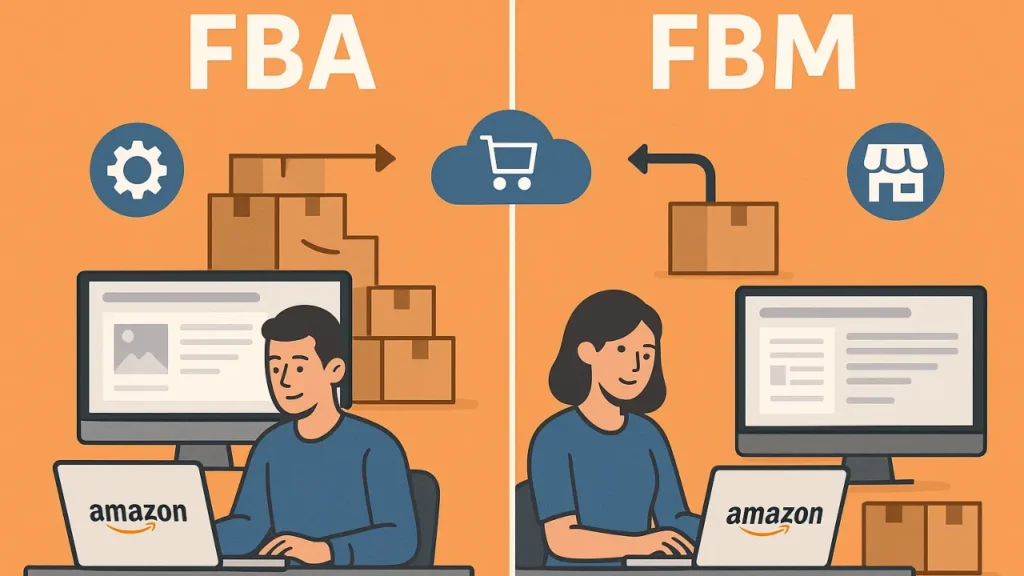
Product images and videos are frequently among the first things a potential buyer sees. High-quality visuals instill trust, reveal product features that set the product apart from others, and persuade shoppers to click “buy”.
Amazon listing images and video optimization are imperative if you want to convert more and get noticed in the marketplace with millions of products.
In this guide, we’ll uncover the best how-tos to optimize Amazon listing images and videos that lead to more clicks, more sales.
Table of Contents
Why Optimizing Amazon Listing Images and Videos Matters?

Images and videos are the key to your Amazon listings’ success. They influence how your product is perceived by customers and whether or not they decide to purchase.
The following are the reasons why you need to optimize Amazon listing images and videos:
Increase CTR (Click-Through Rate) and Conversion: Nail those hero images and riveting videos and help shoppers tap on your product. Listings with clear, professionally shot images are more likely to sell compared to listings with blurry and amateur images.
Builds Trust and Credibility: Customers depend on images to grasp what are the features, size, and usability of the product. High-resolution product images and demonstration video easily helps the buyers to remove all the doubts that they might have while making a purchase.
Drives Up Amazon Ranking and Product Discovery: Optimized images can indirectly lead your product towards better search ranking on Amazon. Appealing images and videos leads to more customer interaction, lower return rates, and higher sales, which Amazon’s algorithm likes when ranking products.
Communicates Product Features Effectively: Sometimes, text descriptions aren’t enough. Videos and HD images can provide a visual demonstration of complicated stuff you need to show in several angles or when talking about unique features to let the shopper understand why your product is worth to purchase it.
When you think about how image centric your listing should be, yes it is true that the more appealing to the eye your images are, the more shoppers they’ll entice and inspire confidence in making a purchase.
Amazon Image and Video Requirements
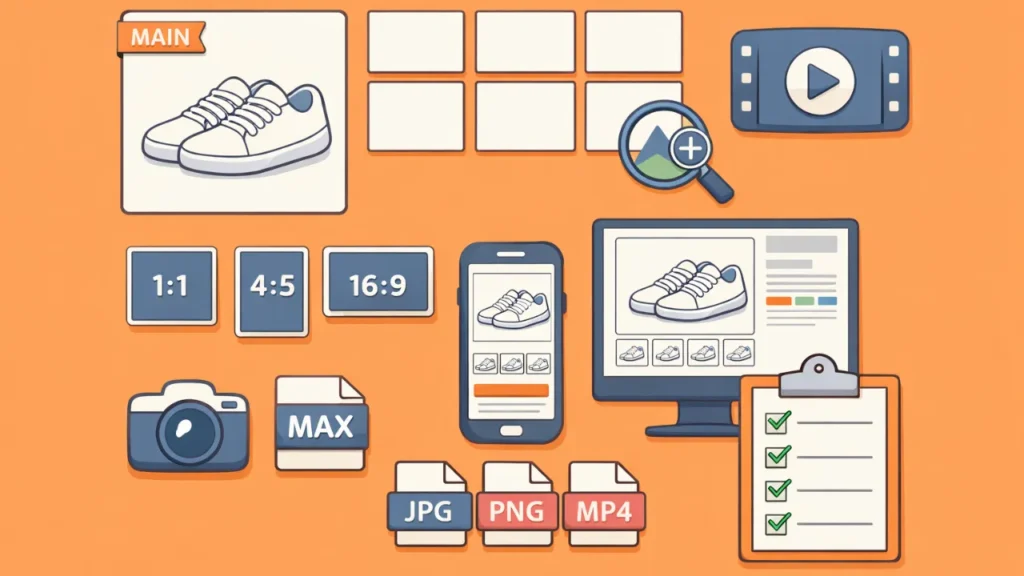
Before we get to optimizing your imagery, you need to know what Amazon’s requirements are.
Following these practices makes sure your listings are up to par with the platform’s standards and look great on all devices.
Image Requirements
Main image:
- Image must be on a pure white background (RGB 255, 255, 255).
- At least 85% of the image frame should be taken up by the product.
- There should be only the selling item (no logos, props, or text).
Additional images:
- May have lifestyle images depicting the product in use.
- Infographics promoting features and benefits are permitted.
- Recommended resolution is a minimum of 1000 x 1000 pixels to allow zoom capability.
Format and size:
- JPEG (.jpg), TIFF (.tif), or PNG (.png).
- Minimum 500 pixels on the longest side, but larger images (1600+ pixels) are preferred for better quality.
Video Requirements
Video placement:
Videos display within the product listing gallery and as EBC/A+ Content for your registered brand.
Format and size:
Supported formats: .mp4, .mov, or .avi.
Maximum file size: 500 MB.
Length:
Recommended length: For product demos, 30–60 seconds; tutorial clips may last up to a couple of minutes.
Content guidelines:
- Concentrate on proving features, usage of the product, and its benefits.
- No content that is offensive, defamatory, libelous, misleading, or not relevant.
- Videos need to be in focus, well-lit, and professionally shot.
Best Practices for Amazon Product Images

The importance of optimizing your Amazon product images cannot be stressed enough.
Here are some tips to make your visuals grab someone’s attention:
- Please make sure all your images are high quality, in focus, and clear. Don’t use blurry/pixelated photos; it will make you appear less credible and trustworthy.
- Your main product image must be a true white background in accordance with Amazon rules. This will make your product stand out in search results and seem professional.
- Show front, back, side, top, and close-up images. Showing it at multiple angles allow buyers to understand the size, shape, and feature.
- Demonstrate the product being used in everyday life. Lifestyle images in particular enable shoppers to envision the product in their personal lives, leading them to buy.
- Highlight salient features, dimensions, and benefits right on images. Highlight essential details with clear and simple text overlays on images.
- For all images, ensure lighting, background, and style are consistent. A consistent style boosts your brand’s credibility and enhances a listing’s overall appeal.
- Most Amazon shoppers look on mobile. Optimize images for clarity and readability on small screens.
Best Practices for Amazon Product Videos
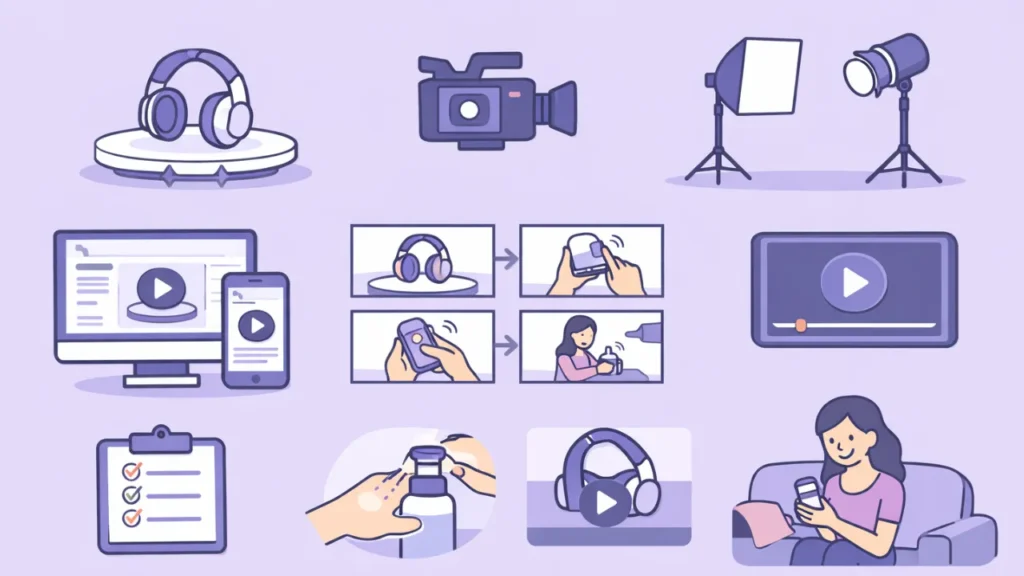
Product videos can dramatically increase conversions by offering customers a dynamic, interactive way to understand your product.
Here’s how to make the most of your Amazon videos:
- Demo the product, focusing on its key features and benefits. Show how it solves a problem or makes the customer’s life easier.
- 30–60 seconds for product demos. Tutorials can run up to 2 minutes. You only have a few seconds to catch interest before viewers scroll past.
- Look for opportunities to tell a good story and make an emotional bond with the audience. Demonstrate real-life scenarios or situations where the product is helpful.
- Captions make the video available to viewers who watch without sound. A nice, clear voiceover can help lead your viewer along and describe some of the nifty features of your product too.
- Demonstrate differing angles so your customers get a full understanding of the product. Describe texture, material quality, and details not visible in images.
- Employ good lighting, a steady camera, and clear audio. Steer clear of boring or shaky video stands, bad lighting, and disruptive backdrops.
- Make sure your text, graphics, and product info are readable on small screens. For most Amazon shoppers, mobilized-optimized videos boost engagement.
Tips for Optimizing for Higher Conversion

Optimizing your images and videos is about how to best showcase your product so shoppers are keen to purchase.
Here are some of the best tips to increase your conversion rate:
- More than 70% of Amazon shoppers use mobile devices to shop. Make sure the infographic text is readable on a tiny phone screen. Employ clean layouts, without clutter or anything excessive.
- Identify two to three key features that differentiate your product. Visualize these with close-ups, icons or short video callouts. Keep images and videos consistent with your USP messaging.
- Experiment with various main images as well as infographic formats and video intros. Find out which visuals bring more clicks and conversions. That’s where Amazon Experiments (Brand Registered Sellers) was made for.
- Shoppers decide in seconds if they want to stay on your listing. Go with a bold main image, a lifestyle image and an infographic at the top. It’s this one-two punch that quickly establishes trust, while also demonstrating value.
- Apply the same color themes, fonts, and style across your visuals. Consistency gives you a top brand quality feeling and recognition. It also cuts friction for returning customers.
- Visually answer common customer questions (size, material, usage). Add the compare chart or individual properties wherever applicable. Returns and bad reviews are avoided due to crystal-clear images.
- Brief excerpts of customer reviews can add credibility. Before/after shots or actual user demos bolster trust. Keep it brief and keep it real.
Tools and Resources to Optimize Amazon Visuals

You don’t need pricey studio equipment to make great product images and videos. You need just the right tools.
Here are some resources you can use to take great product photos, edit them and optimize your visuals according to Amazon’s guidelines for increased conversions.
Photography Tools
Canva: A simple editor is available for creating infographics, resizing images and layering text. Nice for beginners and fast edits.
Adobe Photoshop/Lightroom: Perfect for professional photo editing. Aids in control of lighting adjustment, background light removal, and texture clarity.
Remove.bg: Automatically take out backgrounds to produce tidy, white-background images for main listings. It saves your time and makes you Amazon compliant.
Video Creation and Editing Software
Adobe Premiere Pro: Professional video editing tool used by most of the pros. Great for product demos, tutorials, and brand videos.
Final Cut Pro: A great option for Mac users. Easy editing process and great rendering options.
CapCut: Free and beginner-friendly. Comes with user-friendly templates, text overlays, transitions and audio tools for product videos.
InShot: Basic mobile app to edit short, high-quality product clips. Helpful for brands that shoot videos on a smartphone.
Amazon Specific Optimization Tools
Helium 10: Optimizes your images and listing information in conjunction. Gives you an idea of what impact your images have on conversions.
Jungle Scout: Monitoring of the competitors’ listings Analyzing competitor image strategies. Useful for benchmarking your own visuals.
AMZ One Step: Provides commercial product photography, lifestyle images and video. Great for sellers who need professional images but not a do-it-yourself approach.
Additional Helpful Resources
Placeit: Make lifestyle mockups without the use of models or locations. Ideal for clothing, accessories, and many other products.
Fotor: A light editing tool for simple adjustments such as brightness, contrast, and sharpening.
Envato Elements: Supplies icons, templates, and graphic elements for infographics and video intros.
FAQs: Optimize Amazon Listing Images and Videos
How many images should an Amazon listing have?
The most successful Amazon listings have 6–8 images. At least one main image plus additional visuals (lifestyle shots, infographics, close-up detail images). Higher quality images mean customers can see more of the product, making it easier to understand the product and increasing conversions.
Is it possible to include a video in any Amazon listing?
You can add videos (if you’re Brand Registered on Amazon). Sellers who have Brand Registry can add product videos to the listing gallery and A+ Content. Video upload may be restricted for unregistered sellers.
What images convert best on Amazon?
The best-performing images typically include:
- A clear, white-background main image.
- Lifestyle images showing real-life usage.
- Infographics that showcase key features and benefits
- Product quality and details shots (Close-up shots).
These images will also help customers understand your product, gain trust, and make purchases faster.
Conclusion: Optimize Amazon Listing Images and Videos
Nice-looking images can not only make your product more attractive, but also let your customers value it at first sight. By adhering to Amazon’s rules, taking advantage of professional images and video strategies, and implementing the techniques listed in this guide, you too will have standout listings that overcome competition on the market.
Your visuals are what make the first impression. Spend the time and attention to make them appealing, informative, and mobile optimized. Your optimized images and videos can boost customer engagement, lower return rates, and, in the end, convert more Amazon sales.