In a marketplace with millions of listings vying for attention, the first page of search results is king and one of your best bets at getting there is a highly optimized product title. Your Amazon product title is not only a name; it’s also one of the first things customers and A9, Amazon’s algorithm, see.
A carefully crafted title helps your product appear in relevant searches, get clicks, and increase conversions. Conversely, a badly written or keyword-infested title can detrimentally affect your visibility and potentially breach Amazon’s listing policies.
Well, in this guide, we will cover everything you need to know about optimizing your Amazon product titles for search.
From uncovering the mechanics of the A9 algorithm to implementing best practices, you’re going to learn how to optimize Amazon product titles for search that not only ascend higher for relevant search terms but also drive more shoppers.
Table of Contents
Why Amazon Product Title Optimization Matters?
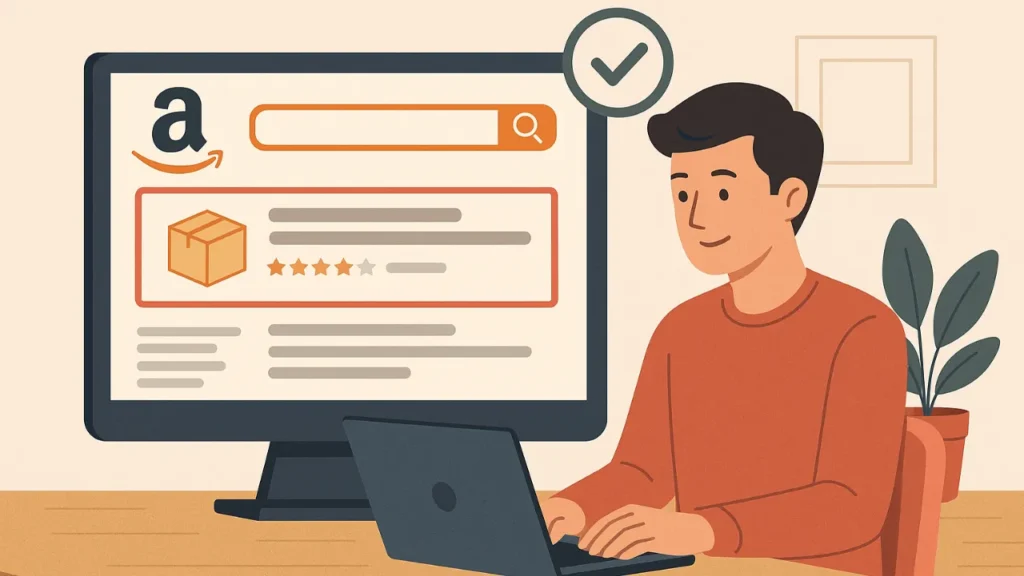
Just as Google relies on SEO to decide which sites come up first, Amazon’s A9 algorithm determines which products show up at the top of searches.
One of the primary factors it takes into account?
The product title.
A strong product title guides Amazon on what your item is all about. It has the appropriate keywords as customers are typing in the search bar. When your title matches up to these search queries, the more discoverable for you is your product, so you stand out and appear in higher impressions with better chances of conversion.
But optimization is not simply a matter of using more keywords. A well-written title also creates customer trust. That information serves as a visual shorthand, offering them the main details such as brand name, product type, size, color, or material at a single glance and helping make their choice easier.
Conversely, titles that are shoddily written or ambiguous can muddle Amazon’s search system and confuse potential buyers, too. This decreases visibility, driving fewer clicks and lost sales opportunities.
Understanding Amazon’s Product Title Guidelines
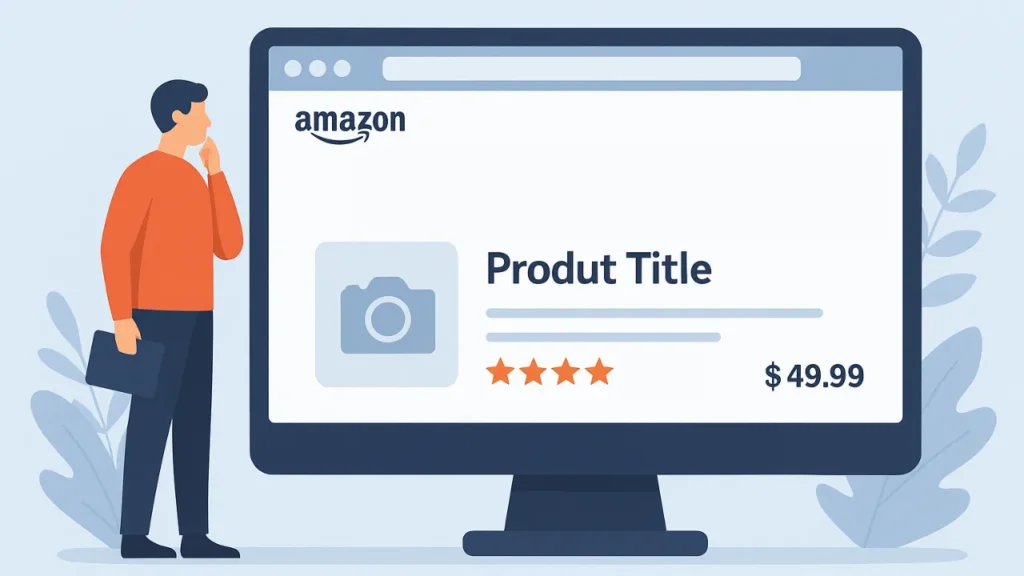
Before you begin the process of optimizing your product title, it will be necessary to learn what the particular rules and guidelines are that Amazon has in place for this.
Here’s what you need to know:
Character Limits: Amazon allows a maximum title length of 200 characters including spaces. For mobile display, a maximum of 80 characters is recommended. Some product categories, such as apparel parent titles, have a limit of up to 125 characters.
The same word cannot appear more than twice in a title. Conjunctions, articles, and prepositions are an exception. Anything longer than this might be truncated. As always, double check your category’s specific requirements in Seller Central before moving forward with your titles.
Use of Capitalization: Amazon suggests using title case capitalization, which means only the first letter of each major word is capitalized. Do not use capital letters for the title, because it will give an amateurish look and be hard to read.
No Promotional Phrases: No words like “Best,” “Free Shipping,” “Discount,” or “Top-Rated” are permitted in titles. Amazon can consider these promotional terms deceptive and broken its content policy.
Avoid Special Characters: Symbols such as “!”, “?”, “$”, or “~” are not recommended, unless they form part of a brand name.
Include Essential Product Details: Depending on your category, include crucial details like brand name, type of product, color, size, material, and so on. Not only do these add to the informativeness of your title, but they also assist in allowing the algorithm to connect it better with possible relevant search strings.
Follow Category-Specific Rules: Titles have a minute difference for the various categories. For instance, fashion titles can contain size and color, while electronics might have a model number or specs as the important bits.
How Amazon’s A9 Algorithm Uses Keywords?
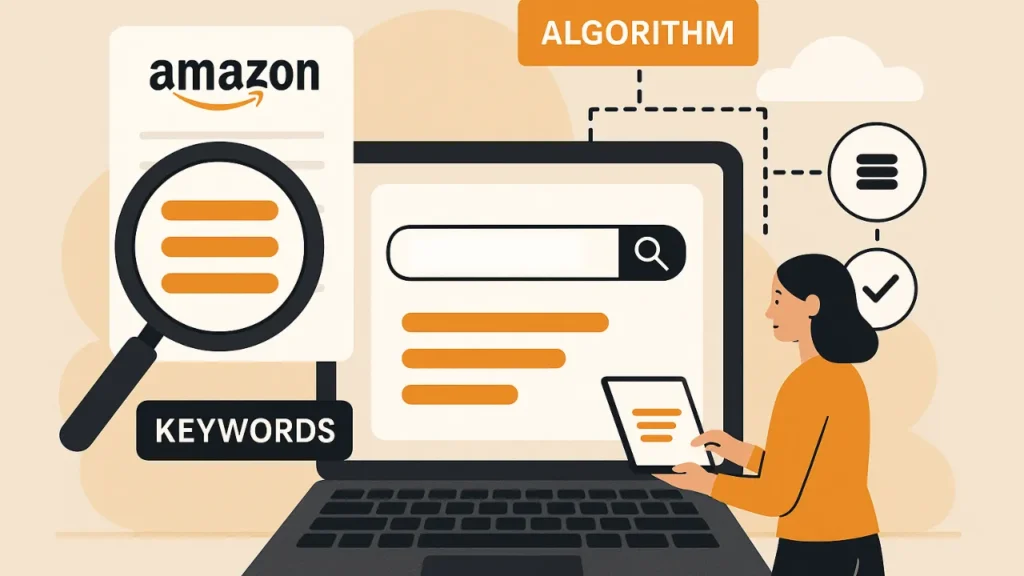
To do Amazon title optimization right, you first need to know what A9 is and how Amazon’s algorithm works. Amazon’s A9 revolves around one central tenet – how well does the product sell?
It scores products according to how likely they are to convert when shown to a shopper.
Relevance and Keyword Placement
The A9 algorithm looks at your product title to see how relevant it is to what a shopper has typed in the search box. Keywords in your title and description help Amazon understand what your product is and connect it with customer searches.
So if a shopper types in “stainless steel travel mug,” for example, Amazon searches its listings to identify products that have those words or close variations of them in their titles. Your main keyword near the start of the title matters more. It’s a sign to Amazon that the keyword is key to your product, and it helps you get the buyer’s attention fast.
Indexing Keywords
When you have certain keywords in your title, Amazon indexes them and acknowledges that they are included within the searchable terms of your product. This will help it get picked up for relevant searches. If your primary keywords don’t show up in your title, you could be missing out on large traffic potential.
The Relation Between Title Keywords and Backend Keywords
Your title will cover the most important search terms, but Amazon also allows you to add backend keywords. Backend terms are hidden terms that only the algorithm sees. The A9 system combines the two pools of keywords to calculate overall listing relevance.
It’s of no use to put the same in the backend portion if you just copied it again from the title; instead, try variations/ related phrase there.
Balancing Relevance and Conversion
The A9 algorithm rewards titles that help drive sales. If the people who search for a keyword often click on your product and then buy it, the algorithm assumes that your listing is very relevant, and it moves you up in its rankings.
Elements of a Perfect Amazon Product Title
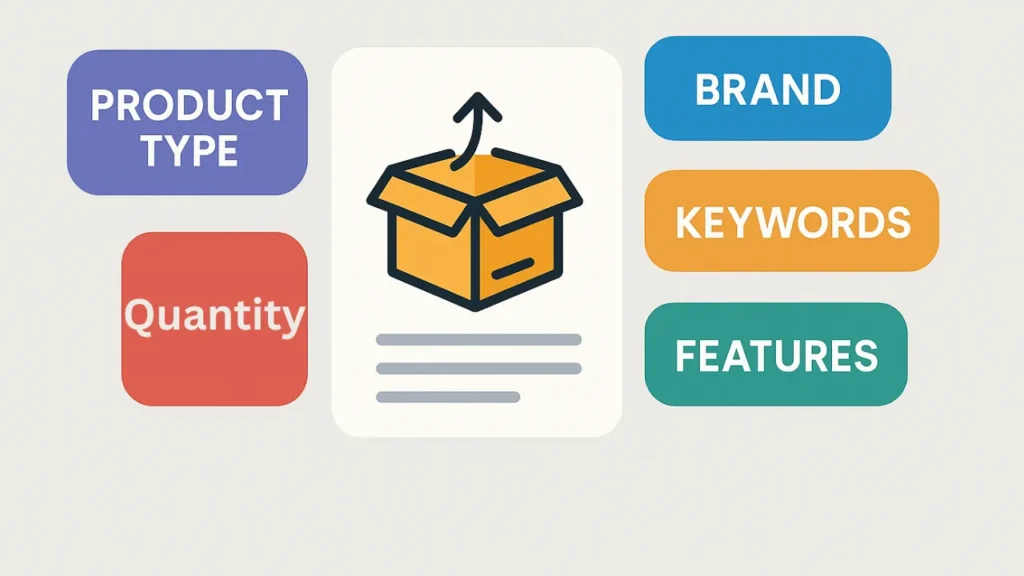
The perfect title will be informative, easy to read, and comply with Amazon’s regulations while containing all essential details of the product.
Here are the key components that a high-performing Amazon product title is comprised of:
Brand Name: Begin your title with the brand name if you can. Amazon also loves brand names within titles because it aids with product category optimizations and relevance.
Example:
Right: Philips Sonicare Electric Toothbrush
Wrong: Electric Toothbrush by Philips Sonicare
Main Product Keyword: Your target keyword needs to show up early in your title. This is what gets fed into the Amazon algorithm and it’s also how customers immediately identify your product when browsing search results.
Example: Ninja Blender – Professional 72oz Countertop Blender for Smoothies
Key Features and Attributes: List more key features your buyers care about (Item specifics like size, material type, color, and type of item). Key features and attributes help your product come up in filtered searches.
Example: Levi’s Men’s 511 Slim Fit Jeans, Dark Blue, W32xL32
Including these details can help customers make a purchase decision more quickly.
Secondary Keywords: You can also use secondary or long-tail keywords in your title. These must effortlessly fit into the title. Do not force them in.
Example: Hydro Flask Stainless Steel Water Bottle, 32oz, Wide Mouth with Straw Lid, Insulated Sports Flask
Compliance and Readability: Optimization is good, but your title still needs to read naturally and conversationally. Don’t go with the ALL CAPS, no extra symbols, or just the same keyword cycling.
Example:
Right: Apple AirPods Pro (2nd Generation) – Wireless Earbuds with Active Noise Cancellation”
Wrong: APPLE AIRPODS PRO BEST NOISE CANCELING EARPHONES!!!
Real-World Examples: Optimized Vs. Poor Titles
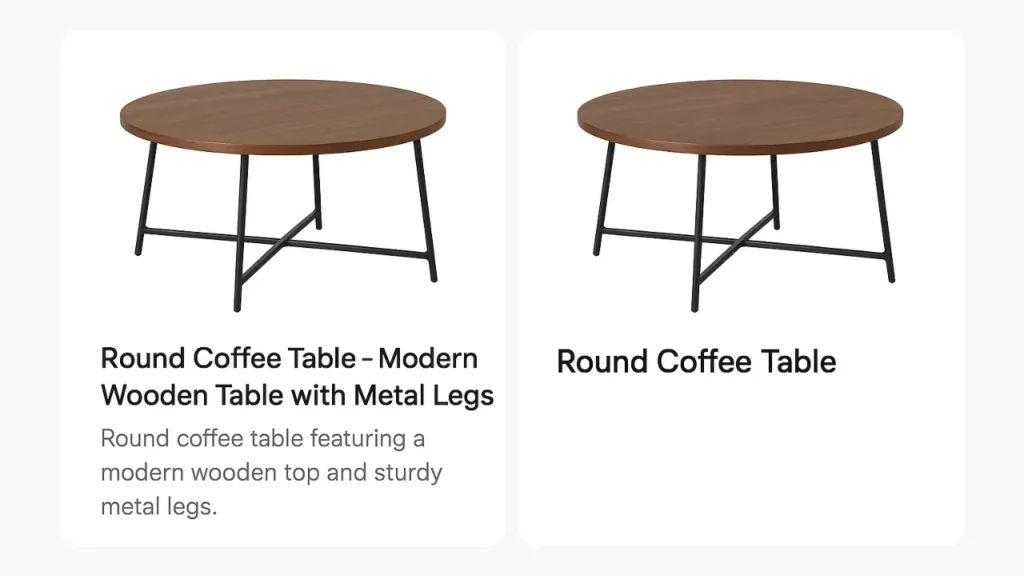
Theory is valuable to understand, but seeing actual examples makes it easier to learn how optimization works in practice. Here are some useful examples that contrast bad Amazon titles with good ones:
These examples illustrate how subtle changes like the placement of keywords, clarity, and formatting can result in considerable increases in search visibility and click through rates.
Example 1: Electronic Headphones
Poor title: Wireless Headphones Bluetooth Best Sound Quality Long Battery
Issues:
- Starts without a brand name.
- Keyword clogged and redundant (“wireless,” “Bluetooth,” “sound quality”).
- No identifiable structure or key details such as model, color, or compatibility.
- Utilizes a promotional statement (“Best Sound Quality”), which violates the Amazon rules.
Optimized title: Sony WH-1000XM5 Wireless Noise Cancelling Headphones, Bluetooth Over-Ear Headset with Microphone, 30-Hour Battery, Black
Why It Works:
- Starts with an established brand name (Sony).
- Naturally features primary and secondary keywords (“Wireless Noise Cancelling Headphones,” “Bluetooth Over-Ear Headset”).
- Clearly show the Specifications/features.
- Keeps a nice, professional style within the limit of characters.
Example 2: Home & Kitchen (Coffee Mug)
Poor Title: Coffee Mug Large Funny Cup for Men Best Gift Office Ceramic
Issues:
- Disorganized and difficult to read.
- Repeats unrelated or generic keywords.
- Includes adjectives and opinions (Best Gift).
- Nothing on size, brand, or any sort of unique features.
Optimized Title: Sweese 16oz Porcelain Coffee Mug, Large Ceramic Cup with Handle for Tea, Coffee & Hot Chocolate, Dishwasher Safe – White
Why It Works:
- Begins with the brand name (Sweese).
- Uses pertinent keywords such as “Porcelain Coffee Mug” and “Large Ceramic Cup”.
- Features useful information like capacity (16oz) and primary benefits (dishwasher safe).
- Nicely structured for both humans and keywords.
Example 3: Beauty & Personal Care (Hair Dryer)
Poor title: Best Hair Dryer Professional Ionic Blow Dryer Salon Quality Lightweight
Issues:
- No brand and product clarity there.
- Overuses adjectives without useful specifics.
- Contains banned promotional words like “Best.”
Optimized title: Revlon One-Step Volumizer Plus Hair Dryer and Hot Air Brush, Ionic Technology, Lightweight Design, Black
Why It Works:
- Features brand and product name in its title.
- Includes features and key selling points.
- Naturally optimized with relevant keywords.
- Reads smoothly and professionally.
Conclusion: How to Optimize Amazon Product Title for Search?
One of the most impactful tactics on your product’s visibility, ranking, and sales is the Amazon product title. A well-written title not only helps Amazon’s A9 algorithm to read your product but also convinces shoppers to click and purchase.
Begin with your brand, use the most crucial keywords naturally, and add key details such as size, color or material. Don’t overdo it with keywords or promotional phrases. You want the title to be both search-engine friendly and customer-friendly.
Continue to monitor the performance of your titles, see what competitors are up to, and update your listings to reflect keyword trends or seasonal changes. A good Amazon product title is your product’s first impression and best advertisement.
FAQs: How to Optimize Amazon Product Title for Search?
What is the best length for an Amazon product title?
Amazon suggests a title length of 100 to 200 chars for most products. Shorter titles can omit vital information; longer ones may be truncated in search results. For your category, check the character limit for your category on Seller Central always.
Do I need to have my brand name in the product title?
Yes. Include your brand in the first part of the title. It increases brand awareness, establishes credibility with the customer base and mirrors Amazon’s format style for product listings.
Can I include promotional words such as “Best” or “Top-rated” in my title?
No, according to Amazon, you are not allowed to use subjective words in your title, like “Best,” “Free,” or “Top-rated.” These are the types of phrases that can cause listing suppression or account warnings. Focus on facts about the product and relevant phrases.
How frequently should I change my product titles on Amazon?
There is no set schedule, but you should probably revisit your titles at least once every few months. If you hear of shifts in search trends or find that the listing performance has started to slide, all you need to do is update your title with some fresh keywords and double check it aligns with Amazon’s most recent policies.